


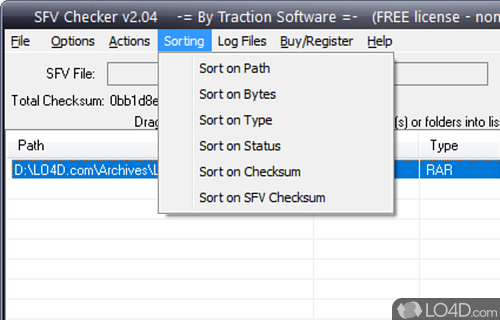
Analyzes and verifies multi-volume archives and checks them using CRC-32
SFV Checker is a helpful and well-designed shareware archive checker app and file archiver, developed by Traction Software for Windows.
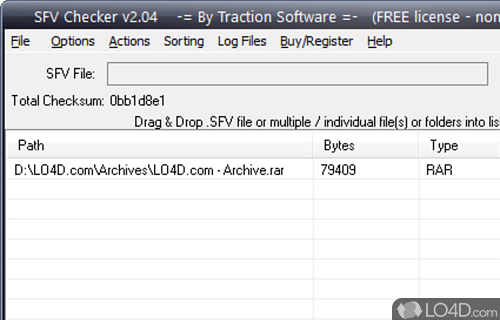
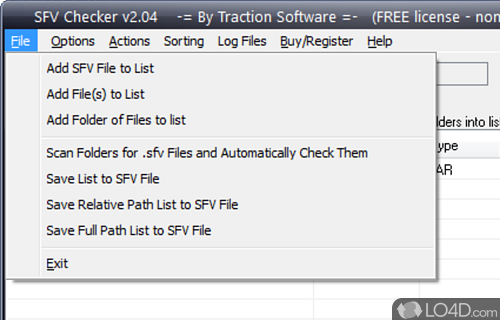
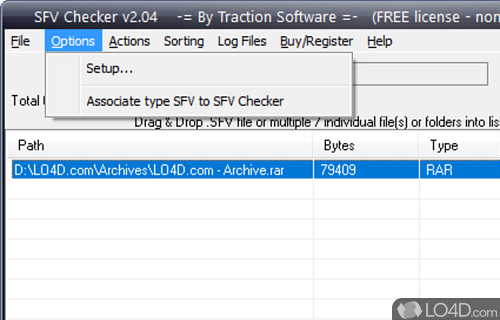
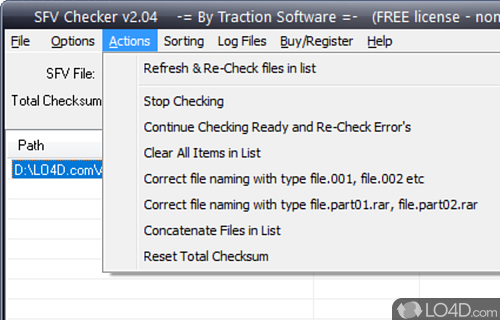
The download has been tested by an editor here on a PC with some screenshots included to illustrate the user interface.
SFV Checker uses CRC-32 technology to check each file
SFV Checker uses CRC-32 technology to check each file and notifies you of any potentially bad, corrupt, incorrect size or missing files to save you hours of downloading only to find you have 1 file missing or the last file has a CRC checksum error.
Compatibility and License
This download is licensed as shareware for the Windows operating system from file archivers and can be used as a free trial until the trial period ends (after an unspecified number of days). The SFV Checker 2.04 demo is available to all software users as a free download with potential restrictions and is not necessarily the full version of this software.
Is SFV Checker for Windows 10?
Yes. It can run on a PC with Windows 11 or Windows 10. Previous versions of the OS shouldn't be a problem with Windows 8 and Windows 7 having been tested. It runs on both 32-bit and 64-bit systems with no dedicated 64-bit download provided.
Filed under:
- SFV Checker Download
- Archive Checking Software
- Software for Windows 10